
Think about the moment you meet someone who could genuinely influence your work.
It could be a potential client, a founder you want to collaborate with, or even a consultant sharing insights. These moments can happen anywhere: online calls, coffee shops, LinkedIn chats, co-working spaces, or someone’s quick introduction.
And in that brief moment, the way you share your identity determines whether it’ll remain just a meeting or turn into an opportunity.
Except that’s not a worry anymore.
In this digital age, the card you give out is not just a sheet of paper — it is your identity. It is what decides whether someone will remember you or not. All compressed in a format you can share with one scan: a digital business card.
With mobile interactions becoming the norm, the percentage of professionals who prefer digital business cards has gone up to 72%, with more than half using them for sustainability. Yet despite the quick rise of digital networking, many people still don’t realise the power of a clean, well-designed digital business card.
This article guides you through what to have on a business card, why these things matter, and how digital cards are transforming the current networking with design psychology and easy accessibility.
Why is knowing what to have on a business card important?
As they say, “first impression is the last impression”. First impressions have always been powerful. Doesn’t matter if it’s physical or digital, knowing what to have on a business card helps you appear prepared, professional, and worth remembering.
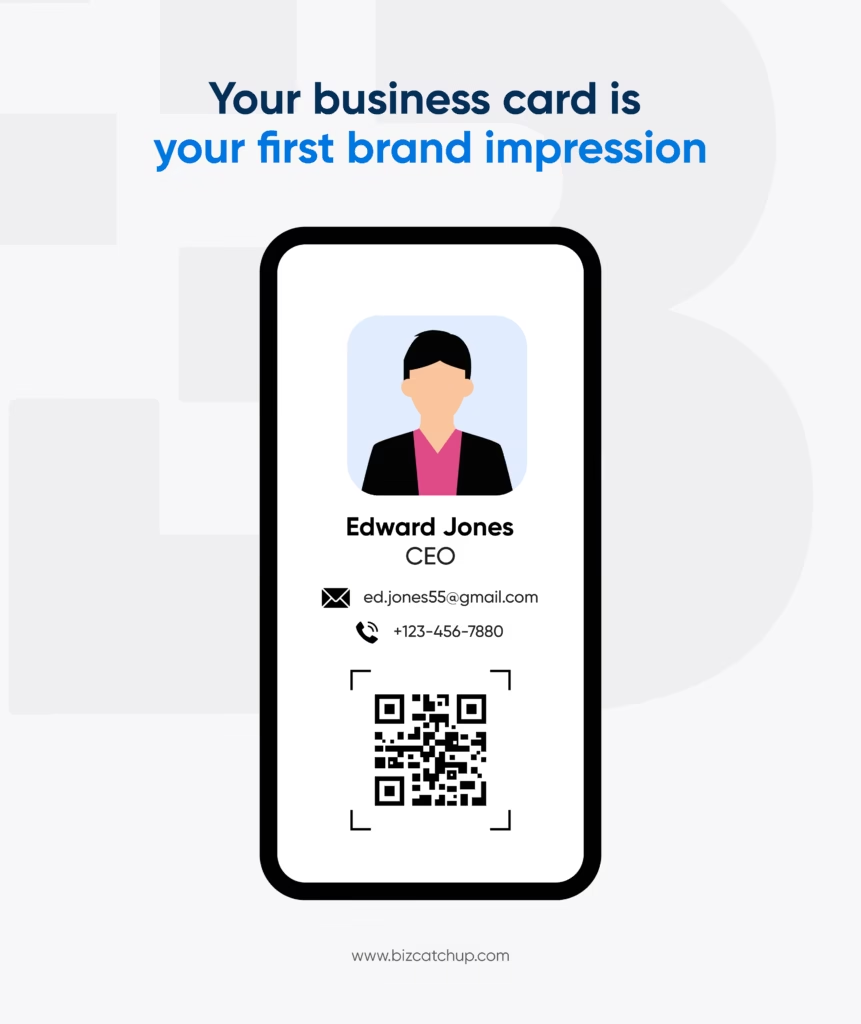
Why does it matter? Well, that’s because a clear and scannable card is not only something that provides information but also creates trust. It tells people that you care about your identity; in return, people care about you.
A smart business card can give you higher chances of being remembered. A digital one goes a step ahead. Unlike paper cards that get lost easily, it lives inside someone’s device: visible, searchable, and always one tap away.
What to include in a business card: The basics
The traditional business card elements have not disappeared; they simply evolved and transformed into a more interactive digital version. If you’re unsure what to have on a business card today, the following are the aspects that actually count:
Your name
One of the most significant details to be included in your business cards is your name. Always add your full name, as it helps to pinpoint your identity and give a glimpse into who you are.
- Use sans-serif fonts at around 12-18pt to make your name clear and visible.
- Make your name pop by using a bold typeface and a darker or contrasting colour to the background palette of your card.
- Add white space around your name and align it in a way that creates a balanced layout.
Hold your card at arm’s length. If your name doesn’t pop instantly, add more weight, more spacing, or contrast.
Profile photo
Many people hesitate to add photos when thinking about what to have on a business card, and that’s fair. A good photo occupies so much space, and a blurred picture in a corner is not logical. But with a digital card, it is no longer an issue.
- Put up a professional photo with natural light, a simple background, and a natural and relaxed expression.
- Stick to these general best practices:
- A founder or sales professional: business-casual appearance.
- A designer: a creative, clean, and expressive image.
- A consultant: formal or semi-formal appearance.
- Operations/events teams: easily approachable and friendly appearance.
These qualities can be expressed through clothing and expressions.
- The picture should be a chest-up picture with a minimum of 600×600 pixels.
- Keep your picture consistent across every platform: Business cards, LinkedIn, and Website.
Your photo on a digital business card is a direct reflection of your professionalism and should be clear and consistent. Since layouts change across devices, BizCatchup ensures that your picture is placed in a clean, balanced manner so you appear your best everywhere.
How to reach you
The fundamental use of a business card is to enable people to reconnect with you, to lead them back to you.
As a rule, ensure that your fundamental contact details appear on your business card:
- Phone number (work)
- Email Address
- Address
- Messaging apps (WhatsApp Business number, Telegram handle, or other professional chat IDs)
Some tips to keep in mind:
- Easy labels, such as work email, business WhatsApp, can be used to eliminate hesitation and facilitate follow-ups. Besides, ensure that they are tappable in case they are on a digital card.
- Keep emails professional. Use your name and avoid nicknames, random numbers or casual words. Also, keep it simple and easy to identify, for both the company address and personal one.
- Avoid full postal addresses unless they matter for your work:
- For consultants: City, Country is enough
- For event/ops teams: include a full office or venue address
- For founders/sales: keep only relevant business locations
- Don’t mix personal and professional contacts unless necessary, as it weakens your brand identity.
About your company
Your business card not only represents you but also your company. It should clearly show your company name, logo, your designation, and the company website.
- Place the details in order: Logo, Company name, Your designation, and Website link.
- Your logo is usually the second thing people notice after your name. Hence, keep a high-resolution, crisp, and clean logo.
- Write the company name in full in a readable font and never ALL CAPS, unless it’s part of your brand identity.
- Keep the company link short, even better if it’s just the company’s name.
- Even if you’re solo or freelance, use a minimal personal logo with consistent colours.
Your professional directory
When people think about what to have on a business card, the website link often gets overlooked, yet it’s one of the strongest trust signals you can add. This is your credibility backer. Whether it’s a personal site, a brand website, or a site link to your portfolio, a website doesn’t need words to tell your story.This is your credibility backer. Whether it’s a personal site, a brand website, or a site link to your portfolio, a website doesn’t need words to tell your story.
The link can lead to any page that’s relevant to you. It could be case studies, testimonials, your portfolio, or previous work. It could even be event microsites or registration pages. The list goes on.
Choose a link that continues the conversation you want to start: a portfolio, booking page, product demo, or service landing page. Instead of showing the full URL, use labels such as View Portfolio, Book a Call, or Visit Website.
What to include if you want your card to be more detailed:
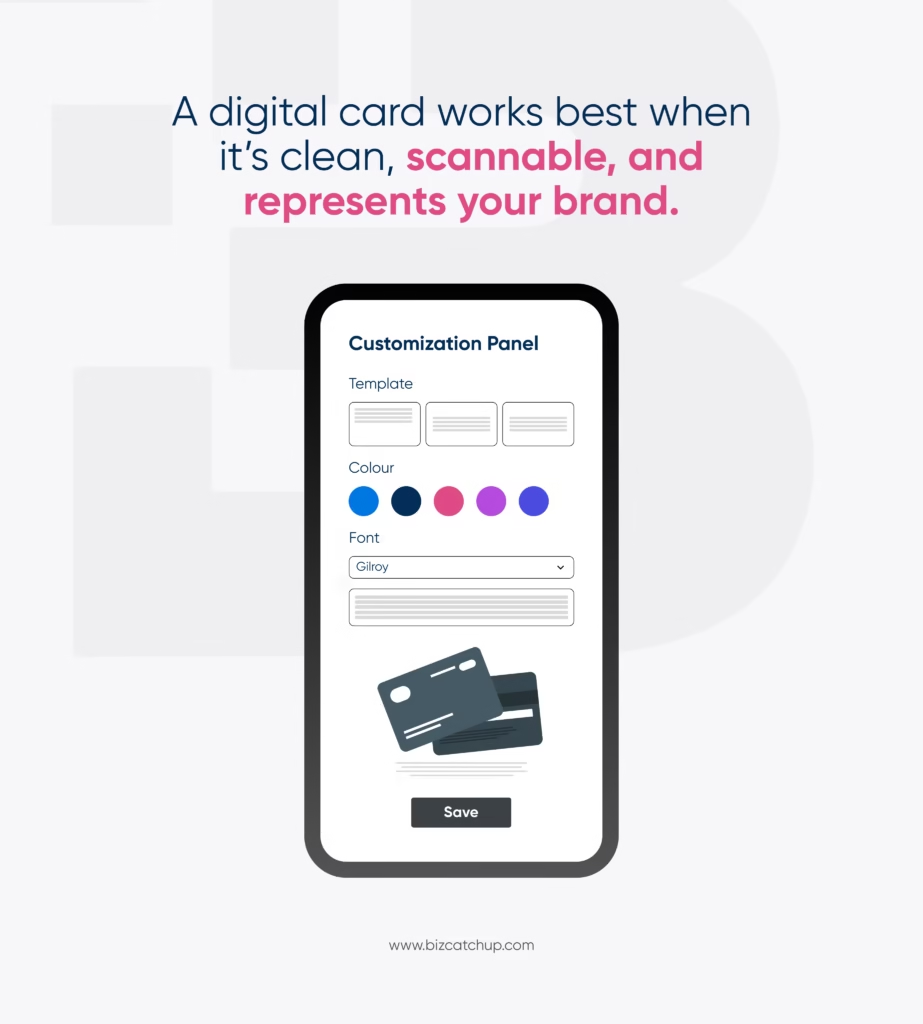
To make your identity more detailed or add resources that help display you better, you have the option to add them to a digital card. This is where BizCatchup becomes your biggest advantage.
Here’s what more you can add:
- Social media profiles (LinkedIn, Instagram, Twitter, YouTube)
- Payment portals for quick transactions
- Share your pricing guide, PDF intro deck, or onboarding guide
- A short mini-bio
- Additional websites or personal pages
BizCatchup has already been designed to accommodate these add-ons, which makes the card functional as well as polished.
Conclusion
Your digital business card is how people meet, remember, and reconnect with you. Now that you know what to have on a business card, all that’s left is to design it intentionally and keep it clear, updated, and intentional.
A well-thought-out and clean card would leave an invaluable and professional impression in the hectic networking world.
Your business card is your brand. Treat it like one!
Quick catch
What links can be included on a business card to make it more effective?
When deciding what to have on a business card, always include a primary link that best represents your work – a portfolio or website that is relevant to your audience. Optional links (LinkedIn, Twitter, Instagram, etc.) can be added to increase the credibility of your work and demonstrate your level of expertise.
Should I add a photo to my digital business card, and what type works best?
Absolutely! Photographs improve recognition and trust. When deciding what to have on a business card, adding a professional chest-up shot of you taken with good lighting will help establish your identity as someone trustworthy, especially if the image is taken against a neutral backdrop.
Also, keeping the style consistent across all digital platforms will create an instant connection between you and the people you interact with online.
What to have on a business card for global or remote networking?
When deciding what to have on a business card for international or remote networking, include elements that are globally acceptable and easy to understand. Add your full name, designation, email, country or location, and website, plus a QR code with additional information. These elements help people across the globe to connect with you easily, regardless of the differences.
In what order should contact information be presented on a business card?
When deciding what to have on a business card, prioritize your primary method of contact first (i.e., work email or phone number). Followed by WhatsApp Business for business purposes, business address and website/social media. This is crucial for scannability and easy engagement.
